

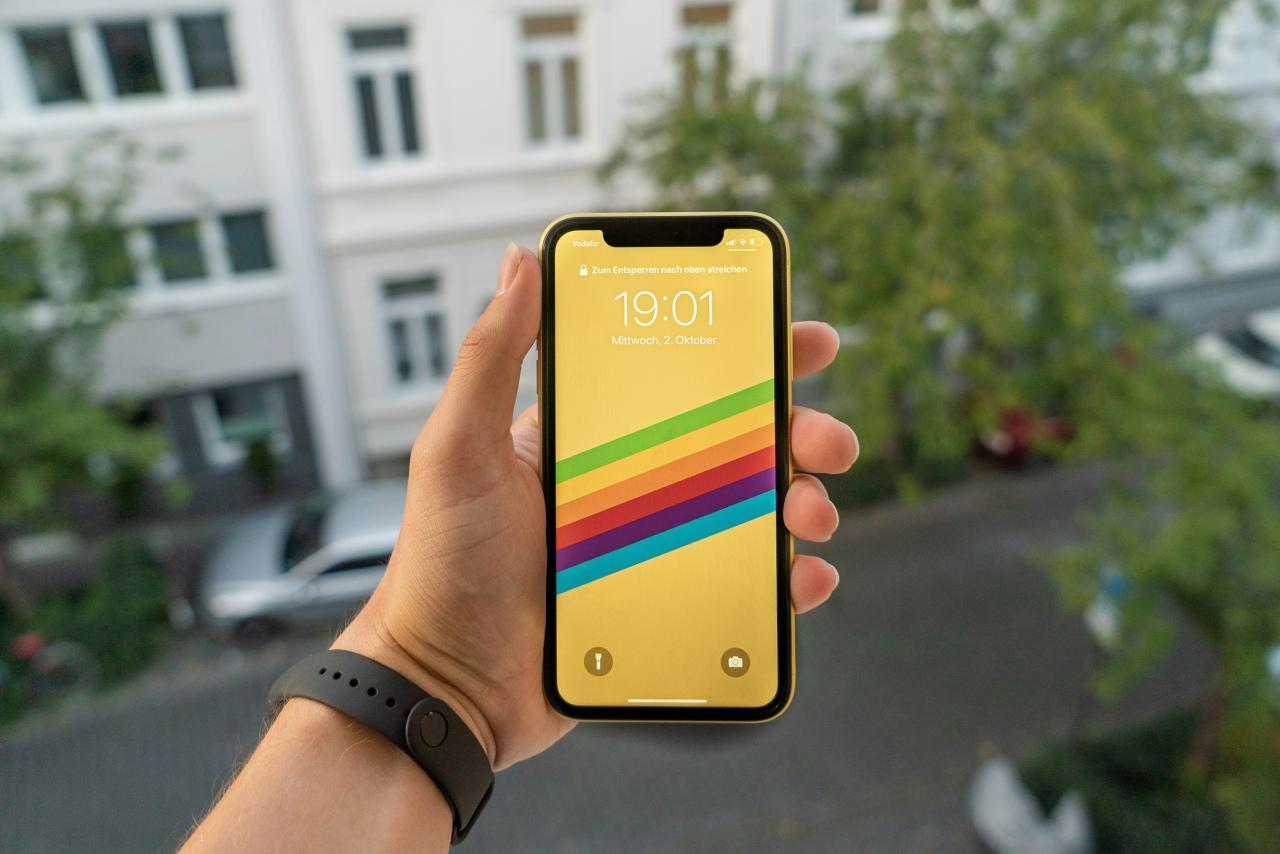
The transition from traditional liquid crystal displays to organic light-emitting diode technology has fundamentally changed how we interact with our mobile devices and laptops.
For many decades, screen technology relied on a constant backlight that stayed powered on regardless of whether the image on the display was bright white or deep black. This older model of display engineering meant that your battery drained at a consistent and often aggressive rate whenever the screen was active.
However, the emergence of OLED panels allows each individual pixel to function as its own light source that can turn off completely. This transition represents a monumental shift from a wasteful lighting system to a precision-based energy model that only consumes power when necessary.
We are entering an era where the software interface and the hardware display work together in perfect harmony to preserve your device’s longevity. This innovation addresses the critical challenge of daily battery anxiety by giving users a simple and effective way to extend their screen-on time through visual themes.
By integrating dark mode across all your favorite applications, you can significantly reduce the workload on your hardware while enjoying a more comfortable viewing experience.
This article explores the most effective and proven ways to leverage OLED technology for energy efficiency and how you can master these settings for a better digital life.
The Physics of Pixel-Level Power Management

Unlike traditional LCD screens that use a global backlight, an OLED display consists of millions of microscopic organic light-emitting diodes that glow individually. When your screen shows the color black, those specific pixels receive zero electrical current and emit absolutely no light at all.
I believe that “pixel-level efficiency” is the most significant hardware breakthrough for mobile enthusiasts who want to avoid the mid-day charger scramble. You solve the problem of unnecessary power drain by choosing wallpapers and themes that allow large portions of your display to stay dark.
This perspective turns your user interface into a strategic tool for energy conservation, making every black pixel a small victory for your battery.
A. True Black Versus Deep Gray Efficiency
To save the most energy, you must use “true black” themes rather than dark grays that still require the pixels to stay powered at a low level.
While dark gray is easier on the eyes in low light, only pure black allows the diodes to shut down completely and stop drawing power from your battery. This technical distinction is the key to unlocking the full power-saving potential of your high-end smartphone or professional laptop display.
B. Sub-Pixel Power Consumption Ratios
OLED screens use different amounts of energy depending on the color shown, with blue pixels often requiring more power and wearing out faster than red or green ones.
Dark modes often shift the color palette toward warmer or darker tones to minimize the stress on these specific sub-pixels. This design choice not only saves battery but also extends the total lifespan of your display by preventing uneven pixel wear and burn-in.
C. Voltage Regulation and Refresh Rate Impact
Modern displays adjust their refresh rate based on the content you see, which works together with dark mode to minimize total electrical consumption.
When you look at a static black image, the screen consumes almost nothing, allowing the internal voltage regulator to enter a low-power state. This synergy creates a highly efficient system that keeps your device cool and responsive even during long periods of continuous use.
Visual Comfort and Reduced Eye Strain
Beyond saving your battery, dark mode provides a significant health benefit by reducing the amount of blue light hitting your retinas during late-night browsing. Traditional bright white backgrounds act like a flashlight shining directly into your eyes, which can disrupt your circadian rhythm and cause digital eye strain.
My new perspective is that “sensory preservation” is just as important as hardware preservation in our screen-dominated world. You solve the problem of eye fatigue and poor sleep quality by switching to dark themes at least two hours before you plan to go to bed.
This perspective allows you to stay productive and connected without sacrificing your long-term vision or your nightly rest cycles.
A. Melatonin Suppression and Blue Light Exposure
Bright white screens emit high levels of blue light that trick your brain into thinking it is still daytime, which prevents the natural release of melatonin.
Using dark mode lowers the total light output of your device, making it much easier for your body to prepare for a deep and restorative sleep. It is a simple lifestyle hack that can improve your mental clarity and your morning energy levels significantly.
B. Contrast Ratios and Text Readability
High-quality dark modes use a careful balance of contrast to ensure that white or light-colored text is easy to read against a black background without being blurry.
This creates a “soft” reading experience that allows your eyes to move across the screen with much less muscular effort and tension. It is particularly helpful for people who spend many hours coding, writing, or reading long-form articles on their digital devices.
C. Reducing Photophobia and Light Sensitivity
For individuals who suffer from migraines or light sensitivity, dark mode is a necessary feature that makes using technology a much more comfortable experience.
It removes the harsh glare that often triggers headaches, allowing users to stay engaged with their work or social life for longer periods. This accessibility feature ensures that technology remains a helpful tool rather than a source of physical discomfort or pain.
Optimizing Application Settings for Peak Performance
Most modern apps now include a native dark mode toggle, but the quality of these themes can vary wildly between different developers. Some apps use a “midnight” theme that is perfectly optimized for OLED, while others use a “navy blue” that still consumes a fair amount of power.
I suggest that “manual auditing” of your app settings is the best way to ensure you are getting the maximum possible battery life. You solve the problem of inconsistent power savings by diving into the sub-menus of your most-used apps and selecting the darkest options available.
This perspective gives you total control over your hardware’s performance, ensuring that no app is secretly draining your juice through a bright interface.
A. System-Wide Dark Mode Integration
Both Android and iOS now offer a system-wide setting that automatically forces all compatible apps to switch to a dark theme.
This creates a unified visual experience that is consistent across your entire device, preventing the jarring shock of switching from a dark home screen to a bright white app. It is the most efficient way to manage your display’s power consumption with a single click.
B. Third-Party App Customization
Some popular social media and messaging apps offer “Extra Dark” or “Amoled” modes that are specifically designed for high-end OLED panels.
These themes remove all gray borders and backgrounds, leaving only the text and essential icons visible against a sea of perfect black. Activating these hidden settings can provide an additional five to ten percent of battery savings over a standard dark theme.
C. Web Browser Extensions for Dark Browsing
Most websites are still designed with bright white backgrounds, but you can use browser extensions to force a dark theme onto every site you visit.
These tools invert the colors of the web, ensuring that your OLED screen stays efficient even when you are browsing the news or doing research. This creates a truly dark experience across your entire digital workflow, maximizing your battery life regardless of the content you consume.
The Impact of Brightness on OLED Longevity
Even with dark mode enabled, keeping your screen at maximum brightness can still drain your battery and accelerate the aging of your organic diodes. The relationship between brightness and power consumption is exponential, meaning a small reduction in brightness can lead to a large increase in battery life.
My perspective is that “luminescence discipline” is the final piece of the puzzle for the savvy tech user who wants their device to last for many years.
You solve the problem of display burn-in and rapid battery decay by letting your device use auto-brightness to find the lowest comfortable level for your environment. This perspective protects your expensive investment while ensuring that you always have enough power for the most important tasks of the day.
A. Auto-Brightness and Ambient Light Sensors
Modern devices use hidden sensors to measure the light in your room and adjust the screen intensity to match your surroundings.
This prevents your screen from being unnecessarily bright in a dark room, which saves power and protects your eyes from sudden glare. It is a set-it-and-forget-it feature that handles the complex math of energy management for you automatically.
B. Preventing Permanent Image Retention (Burn-In)
OLED pixels can “wear out” if they are forced to show the same bright image at high intensity for too many hours. Dark mode naturally prevents this by constantly changing which pixels are active and keeping the overall brightness levels much lower than a light theme.
This ensures that your screen remains clear and vibrant without the ghost images or color shifts that can ruin a premium display.
C. Battery Temperature and High Brightness
Running a screen at full brightness generates a significant amount of heat, which is the primary enemy of long-term battery health.
A hot battery loses its capacity much faster than a cool one, leading to a device that won’t hold a charge after just a year of use. Dark mode keeps your device cool by reducing the total electrical load, protecting your battery’s chemical health for the long haul.
Future Display Technologies and Efficiency Trends
The world of OLED is not standing still, with new technologies like LTPO and Micro-LED promising even greater levels of energy efficiency in the coming years. These advancements will allow screens to be even brighter when needed while consuming almost zero power during static dark mode sessions.
I believe that “adaptive display architecture” will eventually make battery anxiety a thing of the past for all smartphone users. You solve the problem of limited hardware by staying informed about these new trends and choosing devices that offer the latest and most efficient screen technology.
This perspective allows you to enjoy the best visual experience possible while knowing that your device is built on the cutting edge of green technology.
A. LTPO Technology and Dynamic Refresh Rates
Low-Temperature Polycrystalline Oxide (LTPO) allows a screen to drop its refresh rate to as low as 1Hz when you are looking at a static dark image.
This means the screen only updates once per second, which virtually eliminates the power draw from the display controller. When combined with dark mode, this technology creates the most energy-efficient mobile experience ever developed by human engineers.
B. The Emergence of Micro-LED Displays
Micro-LED aims to provide the perfect blacks of OLED without using organic materials that can wear out or lose brightness over time.
These screens use microscopic inorganic LEDs that are much more efficient and can stay bright for decades without any risk of burn-in. While currently expensive, this technology will eventually become the standard for every screen, from your watch to your television.
C. Smart Software and AI-Driven Themes
Future operating systems will use AI to analyze your usage patterns and automatically adjust your theme and brightness to maximize your battery life.
These smart systems will learn when you are near a charger and when you need to save every drop of power for an important trip. This creates a personalized and high-performance experience that adapts to your life in real-time without any manual effort on your part.
Environmental Impact and Sustainable Tech Habits
When millions of people switch to dark mode, the total reduction in global energy consumption is significant enough to have a positive impact on the environment. Every milliamp of power you save on your phone is a small reduction in the carbon footprint created by the massive power plants that charge our digital world.
My new perspective is that “digital conservation” is a form of environmental activism that everyone can participate in with just a few clicks.
You solve the problem of electronic waste by extending the life of your device’s battery and display through smart software choices. This perspective connects your daily tech habits to the larger goal of a sustainable and healthy planet for future generations.
A. Reducing the Frequency of Battery Replacements
By using dark mode to keep your battery cool and healthy, you reduce the need to replace your phone or its internal components every two years.
This lowers the demand for lithium and other rare earth minerals that are difficult and environmentally damaging to mine. It is a powerful way to vote with your habits for a more sustainable and circular technology economy.
B. Lowering the Carbon Footprint of Charging
While one phone doesn’t use much power, the billions of devices being charged every night represent a massive load on the global energy grid.
If everyone used OLED dark mode, we could potentially save enough energy to power a small city for an entire year. This collective action is a reminder that small changes in our digital behavior can lead to massive results for the world around us.
C. Promoting Conscious Technology Consumption
Being mindful of how your screen consumes power makes you more aware of your total relationship with technology and the resources it requires.
This awareness often leads to other healthy habits, like spending less time on social media or choosing products that are designed to be repaired rather than replaced. It is the beginning of a journey toward a more intentional and high-value life that respects both your time and the planet’s resources.
Conclusion

OLED dark mode is the best and only way to save your battery today. You must choose the right and smart themes to stay fast in your life. Shutting down pixels ensures that your phone stays cool and also very stable.
You solve your daily work problems by using a very high speed system. Bright white screens are the slow and hard relics of the manual past. The future belongs to those who use the digital world for unique growth.
Dark themes act as a professional and high value shield for your eyes. Smart software helps you build a better life while you enjoy your happy time. Battery health acts as a legal and very strong wall against every device failure.
Innovation in the world of displays is a major victory for every human. Every single black pixel is a step toward a much better and bright future. The best time to start your high speed energy saving plan is right now.
Support your future success by treating your display like a high value tool. Stay curious about new tech to keep your daily performance at the very edge. The journey to total and final battery freedom starts with one smart choice.

